Event QR Code Generator: How to Create Check-In & Registration QR Codes
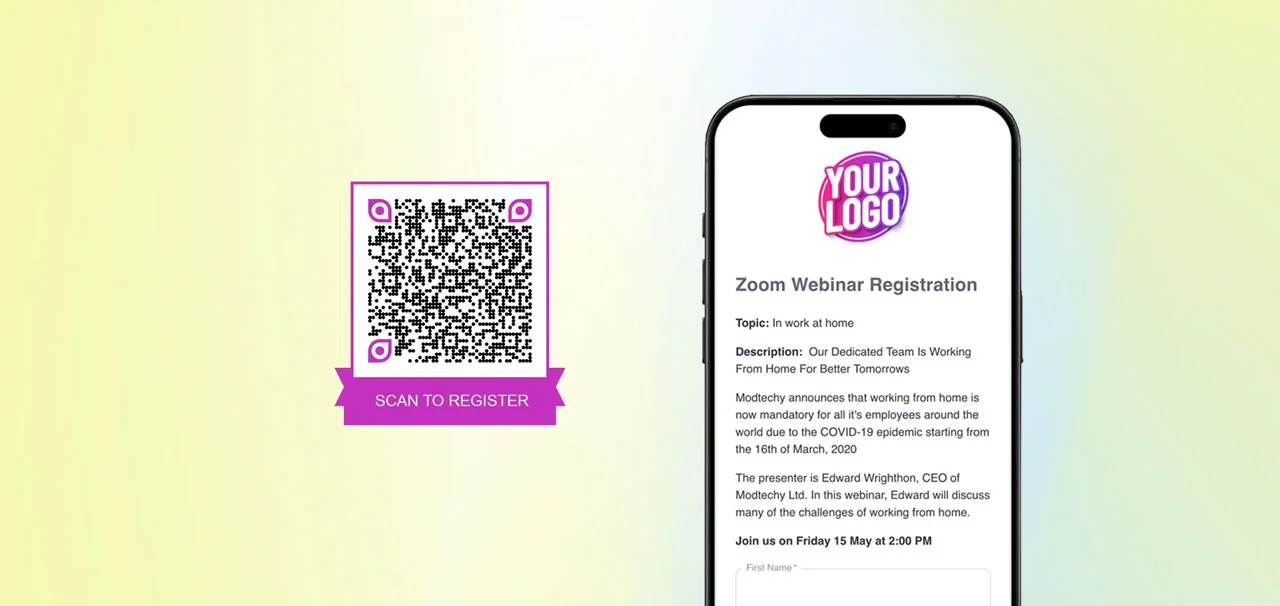
Need to create hundreds of event QR codes for check-in, registration, or attendance tracking? Creating QR codes one by one is time-consuming and error-prone. An event QR code generator automates the entire process—generating unique attendance QR codes for every attendee in seconds, not hours. Whether you're running a conference with 500 registrants or a workshop series with recurring check-ins, automated QR code generation eliminates manual work and ensures every attendee has a scannable check-in credential.
QR Sage is an event QR code generator that creates unlimited check-in QR codes for a flat $10/month—no per-code fees, no limits on attendees. This step-by-step guide shows you how to generate event registration QR codes, customize check-in forms, distribute codes to attendees, and track attendance in real-time. From initial setup to final attendance reports, you'll have a complete QR code check-in system running in under 10 minutes.
What Is an Event QR Code Generator?
An event QR code generator is a platform that automatically creates unique QR codes for event check-in, registration, and attendance tracking. Instead of manually creating QR codes one by one (or worse, using the same QR code for all attendees), a generator produces unique codes for each registrant automatically. When someone signs up for your event through a registration form, the system generates their attendance QR code instantly. When they arrive at your event, staff scan the code to verify their registration and log attendance—all in real-time with duplicate detection.
How to Create Event QR Codes: Step-by-Step Tutorial
Follow these 5 steps to set up your event QR code generator with QR Sage:
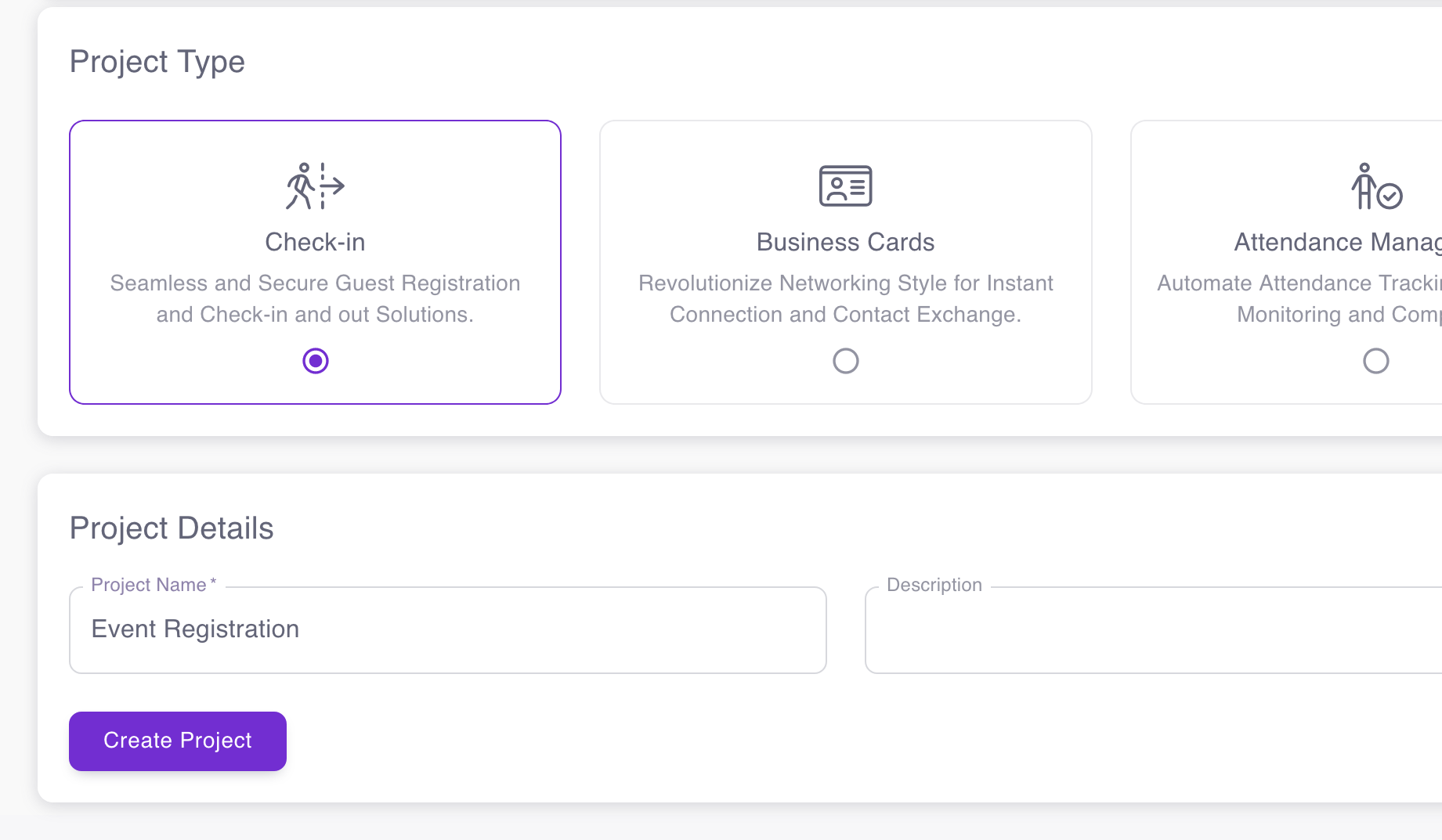
Step 1: Create Your Event Check-In Project
Start by creating a new project in QR Sage. Select "Check-in" as your project type—this enables the event registration and attendance tracking features. Give your project a descriptive name (e.g., "2026 Annual Conference" or "Monthly Workshop Series"). The check-in project type automatically sets up the registration form builder, QR code generator, and attendance tracking dashboard you'll need for event management.
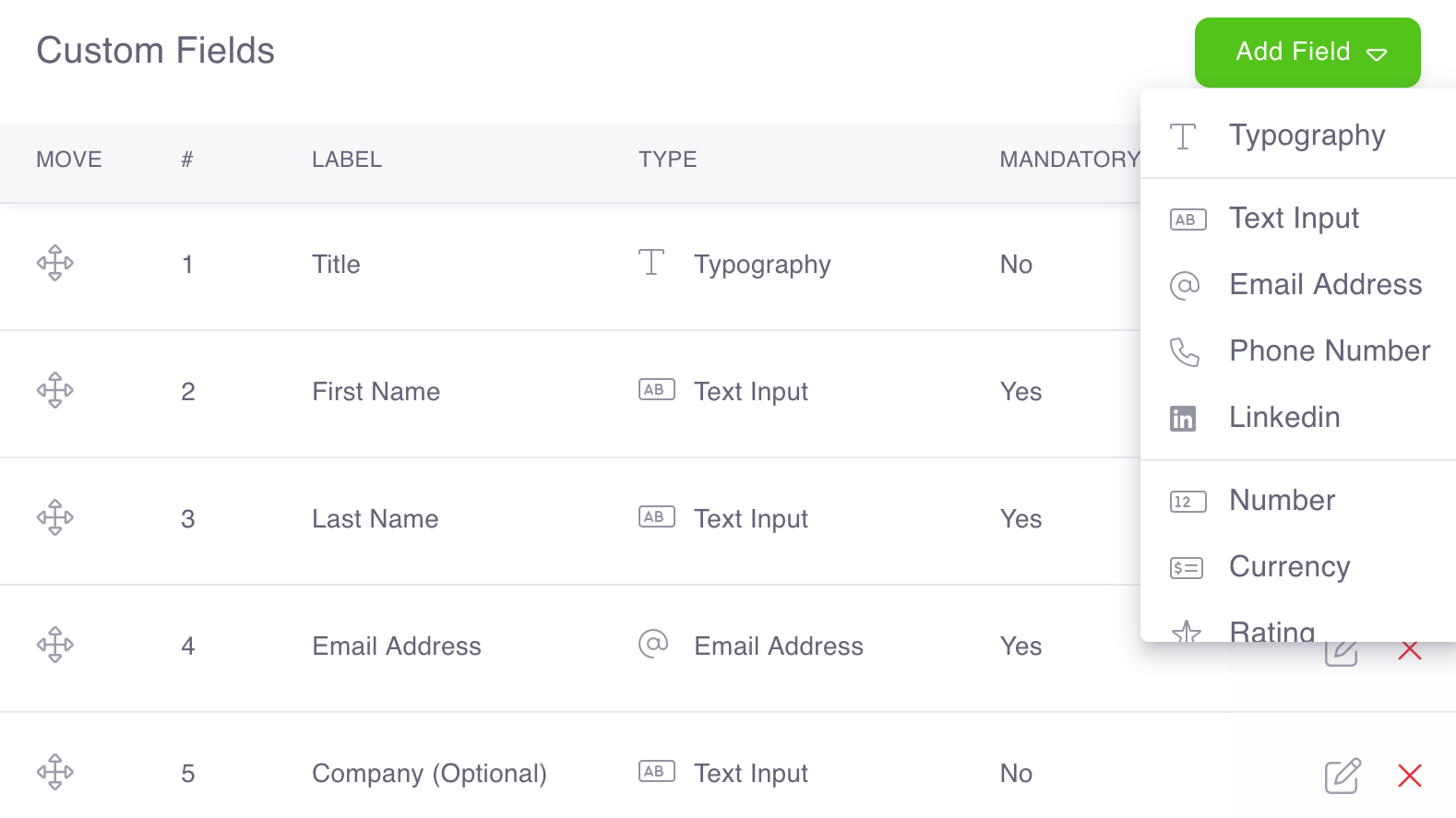
Step 2: Build Your Event Registration Form Template
Navigate to the "Templates" page and customize the registration form fields attendees will complete during check-in or pre-registration. This is where you define what information to collect. The system creates a default template, but you can add, remove, or modify fields to match your event needs. Common event registration fields include:
- Full Name (first and last name fields)
- Email Address (for sending QR code tickets)
- Phone Number (for WhatsApp ticket delivery)
- Company/Organization (for professional events)
- Ticket Type or Session Selection (for multi-track events)
- Dietary Restrictions or Special Needs
- Custom Questions (how they heard about the event, feedback, etc.)
Each field you add will appear on the registration form and in the attendance tracking dashboard. Keep forms short for better completion rates—you can always collect additional information at check-in.
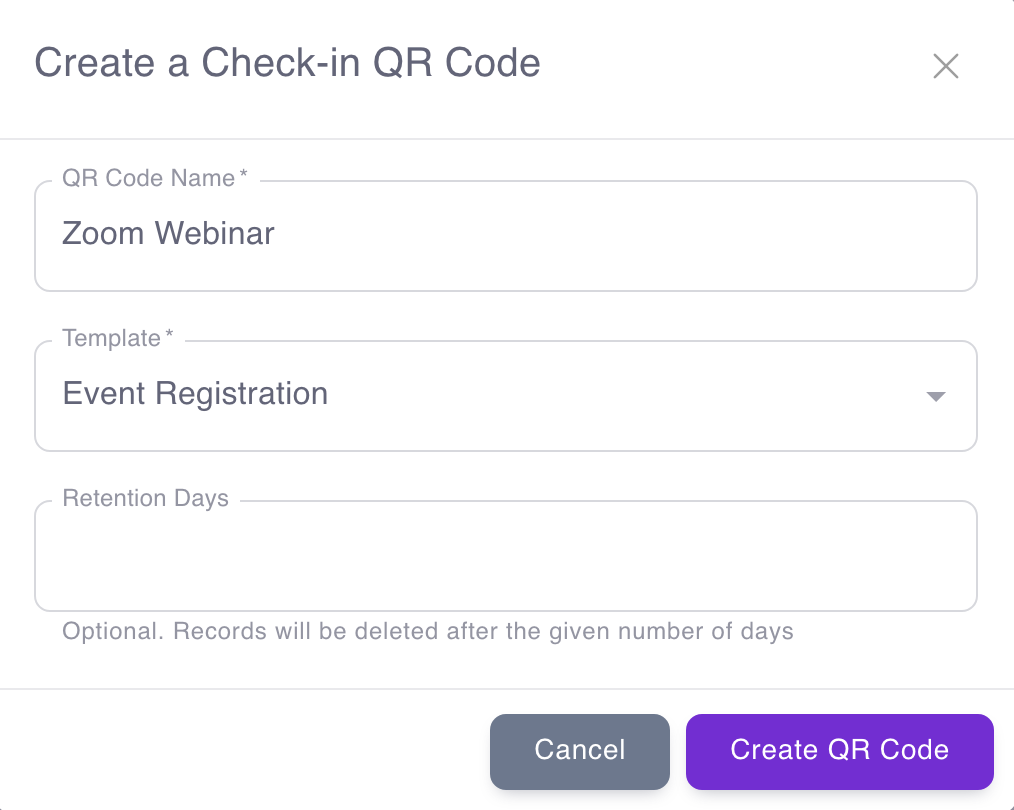
Step 3: Generate Your Event QR Code
Go to the "QR Codes" page and click the "+" button to create a new event QR code. Select the registration form template you configured in Step 2. The system generates a master QR code that links to your event registration form. When attendees scan this code, they'll see your registration form, complete it, and instantly receive their unique attendance QR code. You can create multiple QR codes if you have different registration forms for different ticket types, sessions, or entry points. For example: one QR code for VIP registration, another for general admission, and a third for speakers.
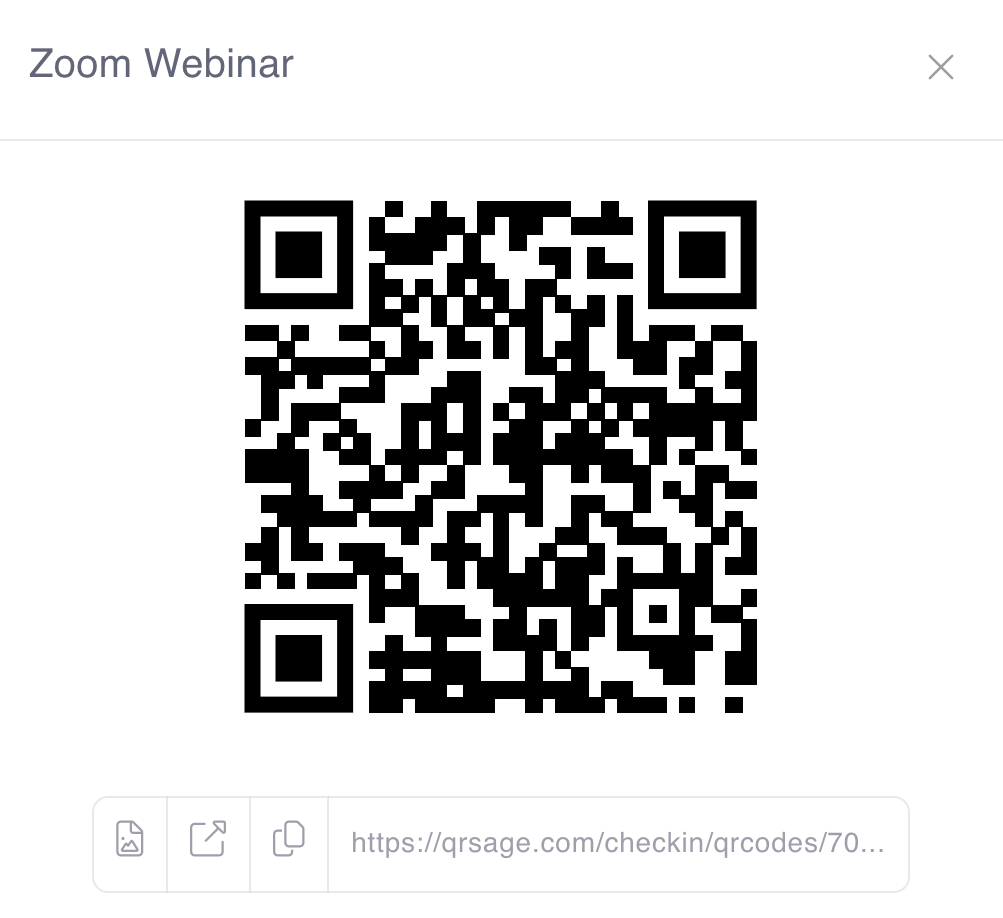
Step 4: Download and Distribute Your QR Code
Click the QR Code icon next to your generated code to download it as a high-resolution image. Now distribute this registration QR code to prospective attendees through multiple channels:
- Email campaigns: Include the QR code in event announcement emails
- Social media: Post the QR code on event pages, stories, and announcements
- Print materials: Add to flyers, posters, banners at your venue
- Event website: Embed on your registration landing page
- On-site kiosks: Display at self-service registration stations
When attendees scan this master registration QR code, complete the form, and submit—the system automatically generates their unique attendance QR code and sends it via email or WhatsApp instantly. That unique code is what they'll scan at event check-in.
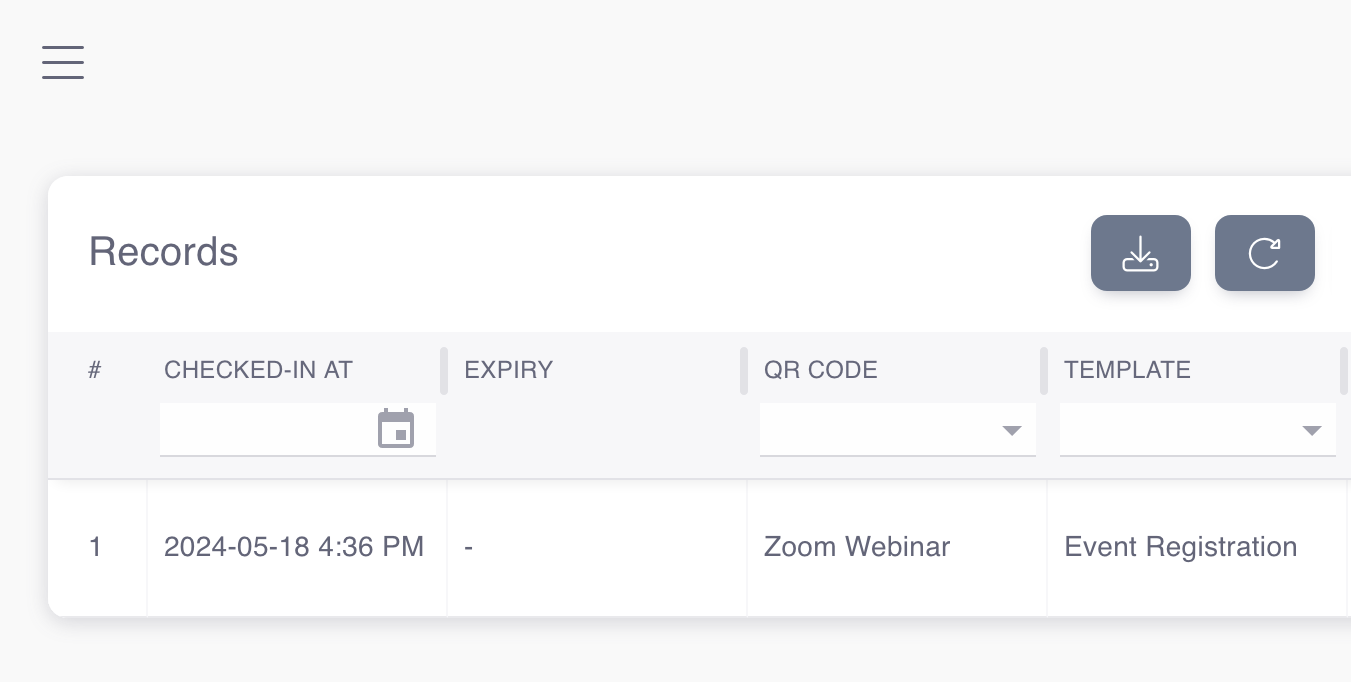
Step 5: Track Attendance and Export Records
Navigate to the "Records" page to view all event registrations and check-in activity in real-time. See who registered, who checked in, who's missing, and total attendance counts. The dashboard updates live as staff scan attendee QR codes at entry points. Filter by date, session, ticket type, or check-in status. Export all data as CSV files for post-event analysis, sponsor reporting, CRM integration, or compliance documentation. This attendance tracking data answers critical questions: What was your actual attendance rate? When did most people arrive? Which sessions were most popular? Who registered but didn't show?
Beyond Basic Generation: Bulk QR Codes & Advanced Features
QR Sage's event QR code generator goes beyond one-by-one creation with these advanced capabilities:
Bulk Guest List Import
Already have a list of registered attendees from another system? Upload your guest list as a CSV or Excel file and the QR code generator creates unique attendance QR codes for everyone simultaneously—hundreds or thousands of codes generated in seconds. Each attendee receives their unique QR code via email or WhatsApp automatically. This bulk import feature is essential for invitation-only events, corporate training programs, or when migrating from another event registration platform.
Printable Badges with QR Codes
Generate printable name badges that include attendee names and their QR codes. When attendees check in at your event, print their badge on-demand or have pre-printed badges ready for pickup. The QR code on the badge can then be scanned for session tracking, meal access, networking features, or VIP area entry throughout the event. This eliminates the need for separate tickets and badges.
Self-Service Check-In Kiosks
Set up tablets or monitors as self-service check-in kiosks where attendees scan their own QR codes without staff assistance. The system verifies their registration, logs attendance, and can trigger badge printing—all automated. One staff member can monitor 4-6 kiosks instead of manually checking in each person, dramatically reducing labor costs and speeding up entry for large events.
Why Use a QR Code Generator for Events?
Unlimited QR Codes for a Flat Fee
Unlike event platforms that charge per ticket or per QR code generated, QR Sage charges a flat $10/month for unlimited QR code generation. Create 50 codes or 5,000 codes—the price stays the same. This makes QR code-based check-in viable for free events, recurring workshops, and high-volume conferences where per-code fees would add up to thousands.
Automated Generation Saves Hours of Work
Manually creating unique QR codes for hundreds of attendees takes hours. An event QR code generator does it in seconds. Registration forms automatically trigger QR code generation and delivery—no manual intervention needed. Bulk imports process entire guest lists at once. This automation eliminates human error and frees up your time for other event planning tasks.
Real-Time Attendance Tracking Built In
Every generated QR code connects to your attendance tracking dashboard. As attendees scan in, you see real-time metrics: total check-ins, who's arrived, who's missing, check-in rates by hour. Export complete attendance records after your event for compliance, sponsor reporting, or analysis. This level of tracking is impossible with generic QR code generators that just create images without any backend.
Ready to generate event QR codes for your next conference, workshop, or corporate event? QR Sage has been trusted by over 2,000 events to generate and manage more than 23,000 QR code tickets and registrations. From small workshops to large-scale conferences, the platform scales instantly without per-code fees.
Get started free—no credit card required. Create unlimited event QR codes for $10/month. Set up your first event check-in system in under 10 minutes. Generate QR codes automatically, track attendance in real-time, and export records after your event.